

This is how your clients
book an appointment
The client opens your website, picks a time and confirms. There's nothing to install: the browser on their phone is enough.
Book a callThe client opens your website or the link on your Instagram, sees the open slots and books in half a minute. The confirmation and reminder arrive by email and on their phone. Every booking shows up in your schedule straight away, without a single call or message.
Step by step, on the client's phone
The screens are in SpotMe colours. Your app is the same, with your name, colours and services. Next Step Fitness in Belgrade already uses this app.
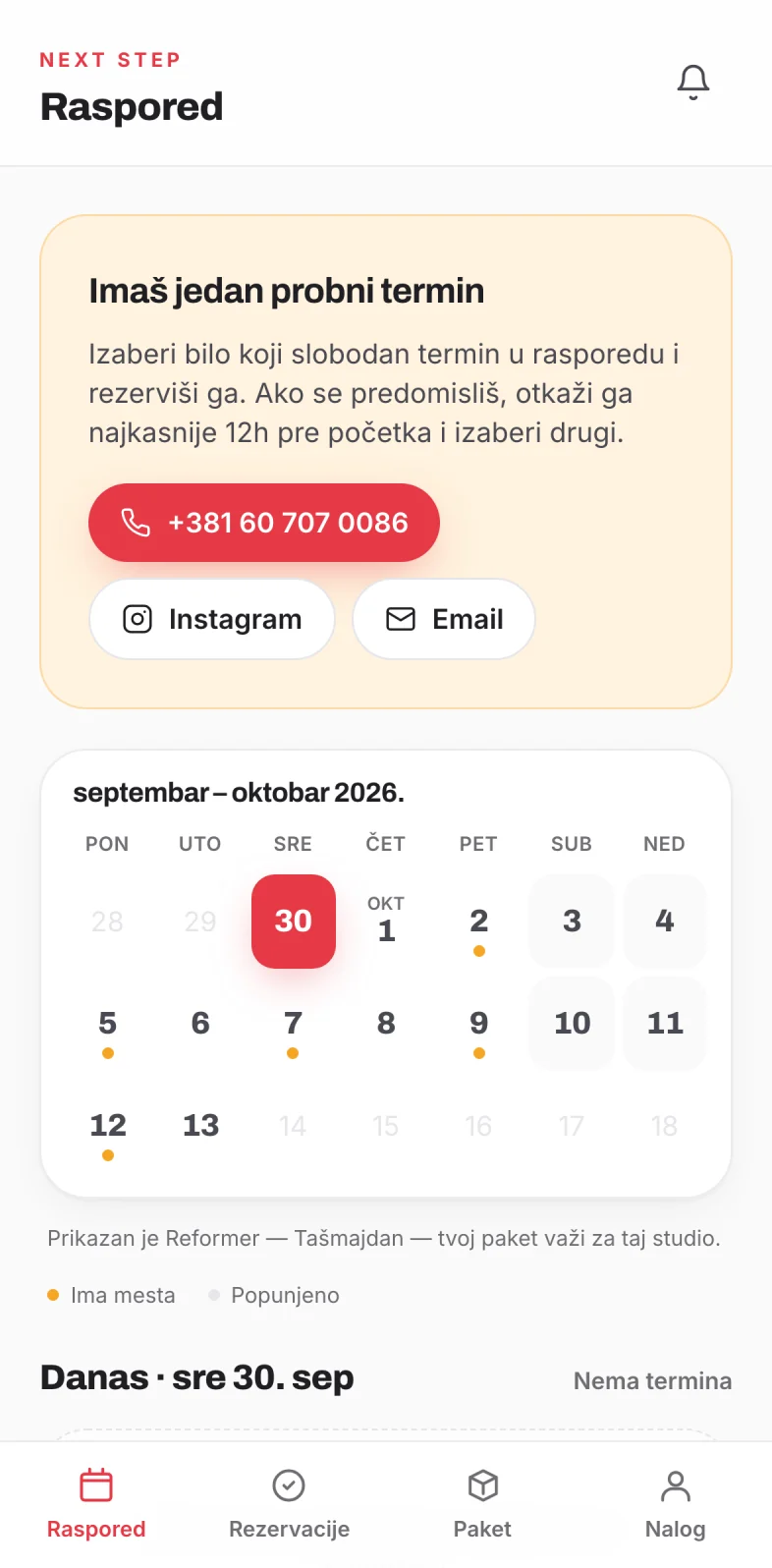
Schedule with open spots 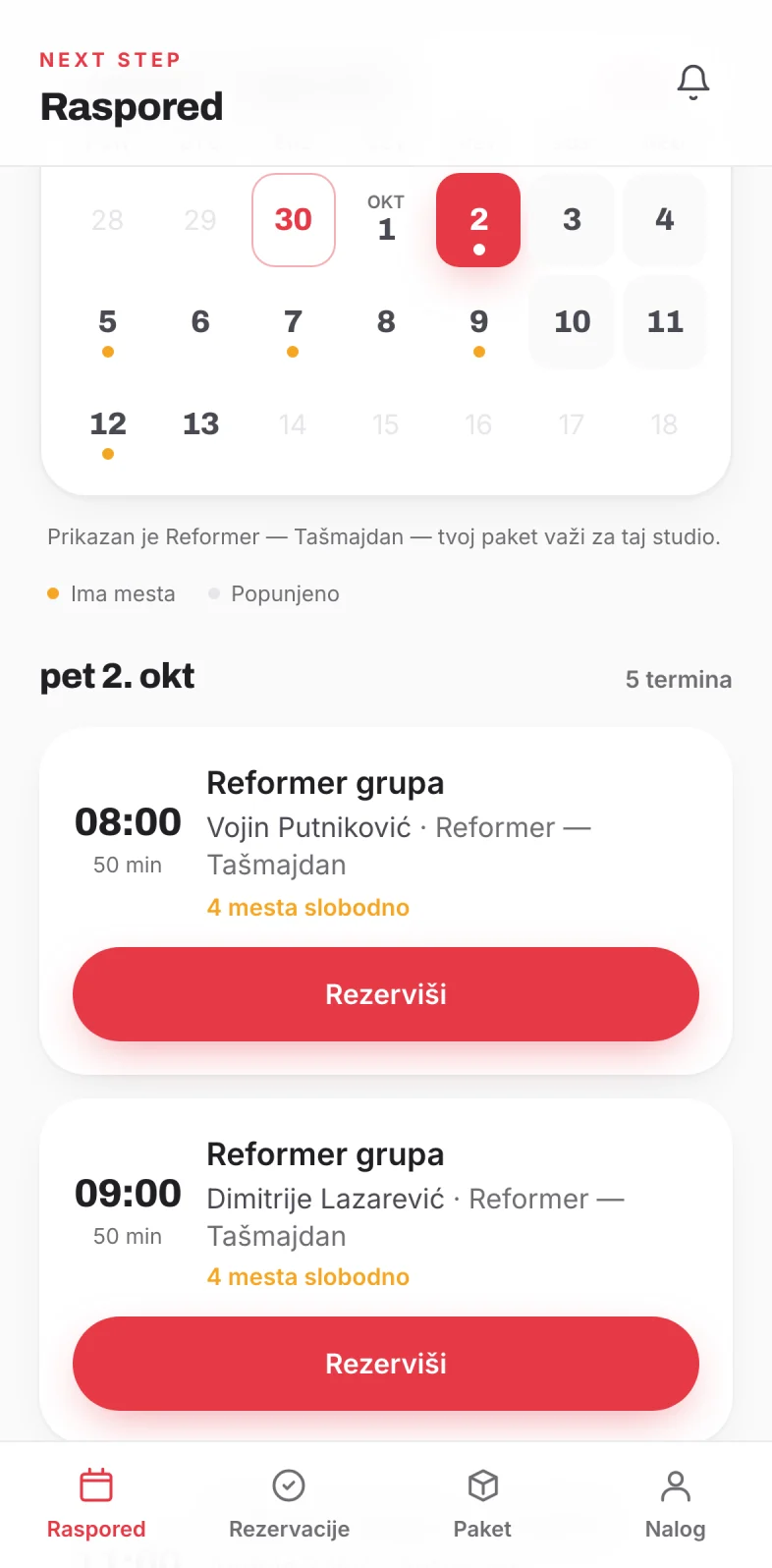
Picking a time 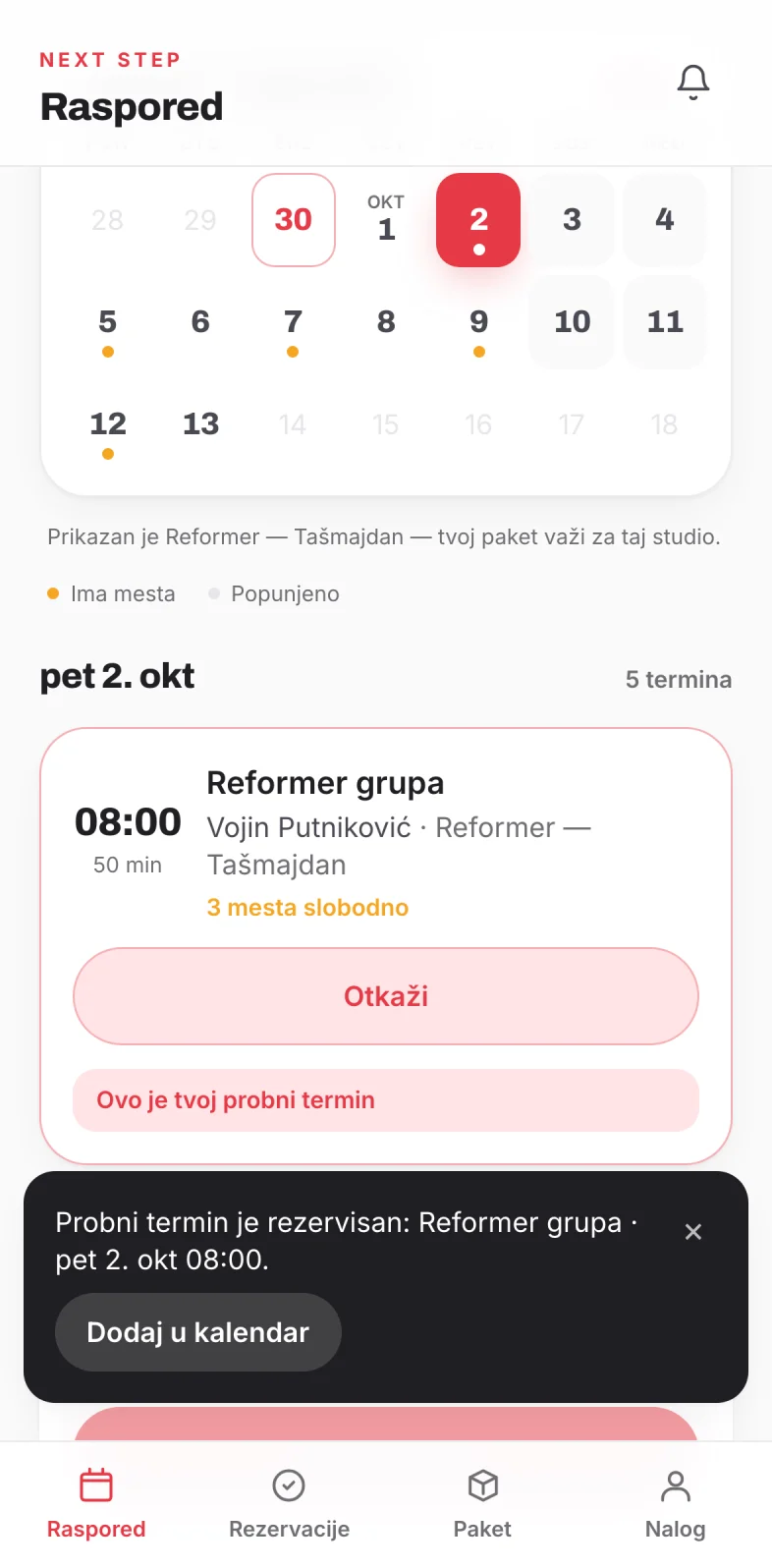
Booking confirmed 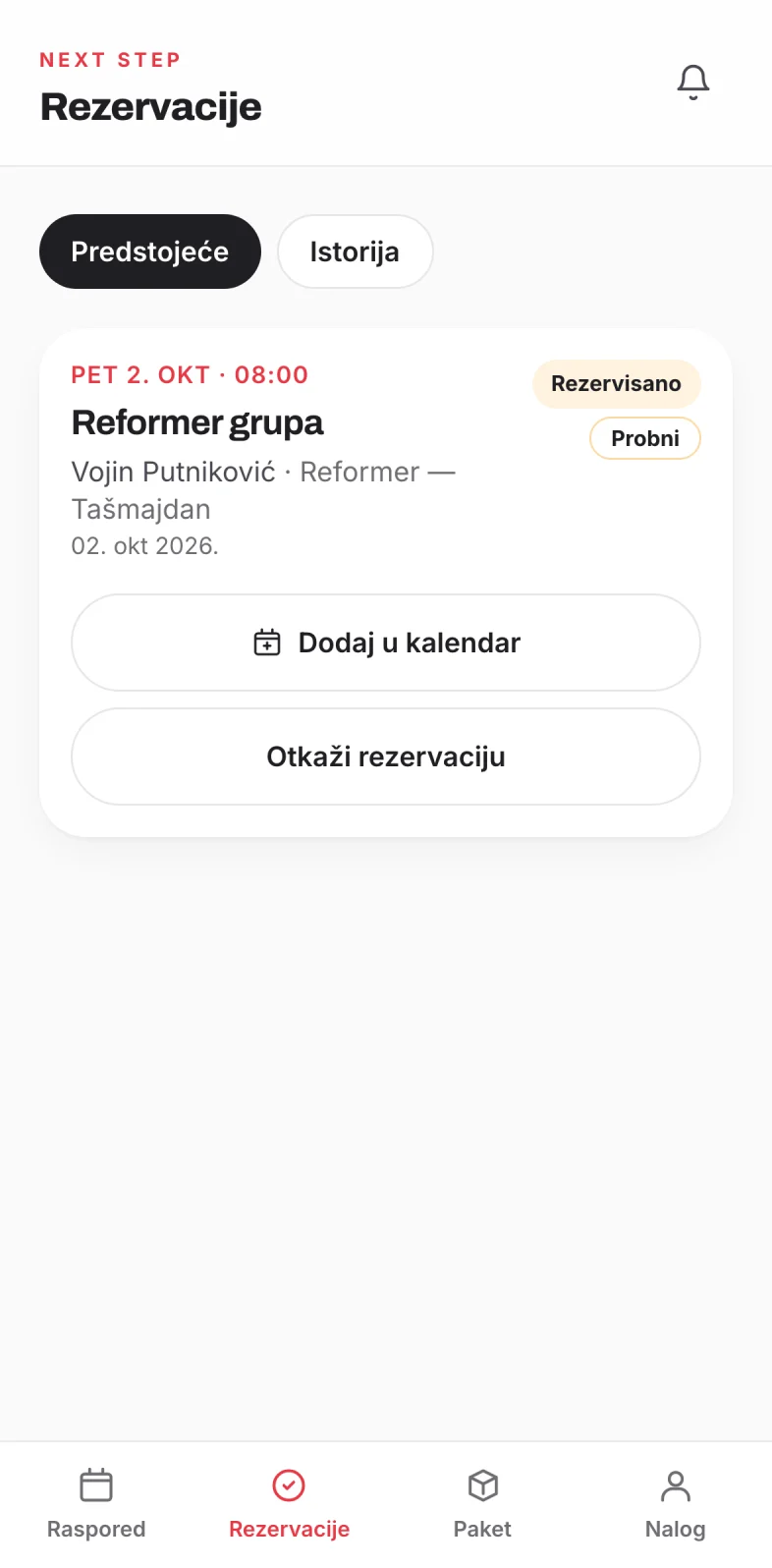
My bookings 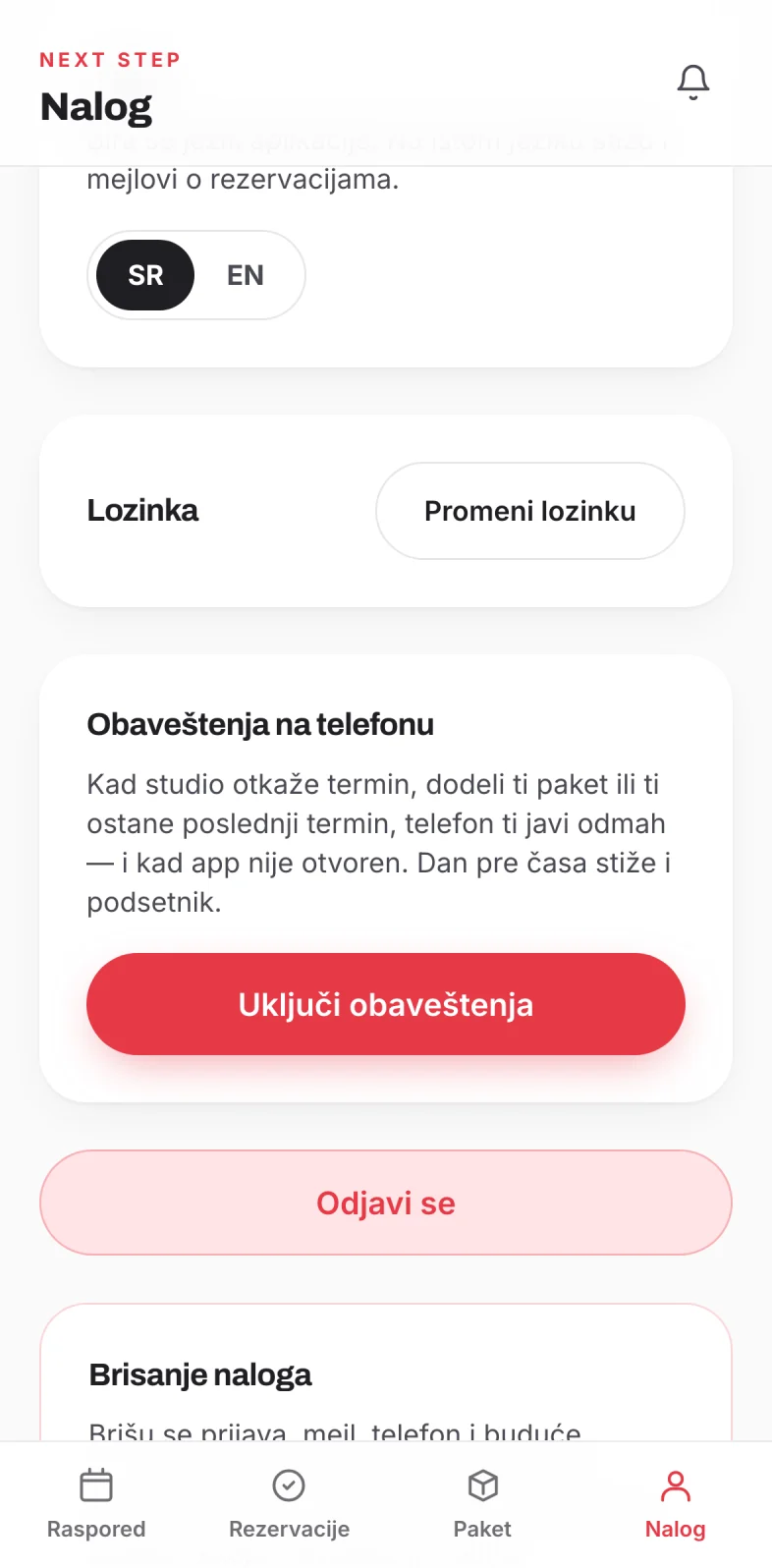
Reminder on the phone 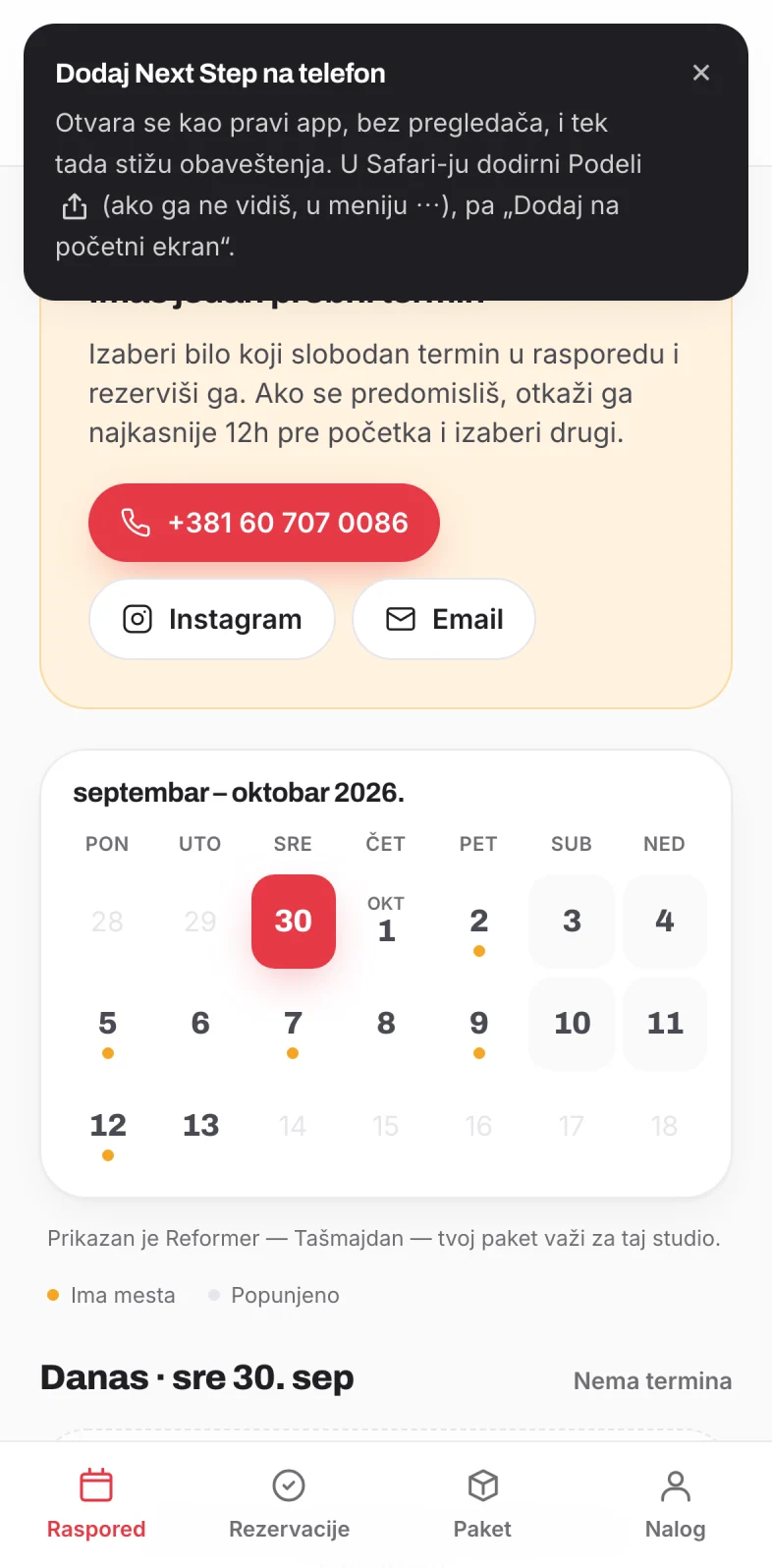
Adding to the home screen
The same screens on your phone
Point your phone camera at the code and the demo app opens in SpotMe colours. Add it to your home screen, the way your clients would.

What you do, and what we do
- 1
We set everything up
We enter your services, prices, staff, opening hours and cancellation rules from the details you send us.
- 2
You follow the schedule
On your phone or computer you see who's coming, how many spots are taken and how many sessions each client has left on their package.
- 3
Change things whenever you like
You change prices, times and rules in the app whenever you want, without waiting for us.
Questions about the app
Does the client need an account?
Yes, so they can keep track of their bookings and package. A name, phone number and email are enough, and it takes a minute to set up.
Can clients cancel on their own?
Yes, up to the deadline you set. If someone cancels after the deadline, the session counts as used.
Does it work on iPhone and Android?
Yes, on any recent phone. On both iPhone and Android it can be added to the home screen as an app.
Want to see how it would look for your salon?
Book a 15-minute call. We'll show you the app and answer your questions.